
TrueInsight
Siemens/Altair Channel Partner
Menu



Optimize Sheet Metal Forming Before Tooling
Simulate formability, springback, and trimming to reduce trial-and-error, improve material usage, and validate designs early.
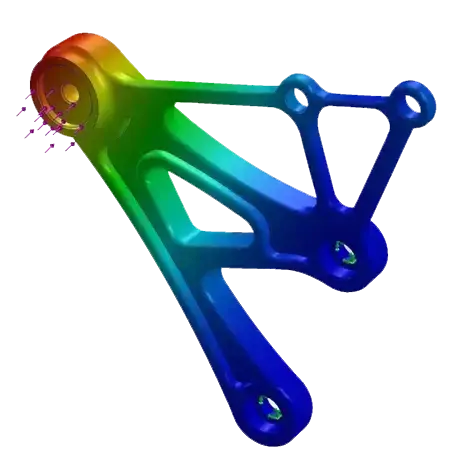
Sheet Metal Forming Simulation
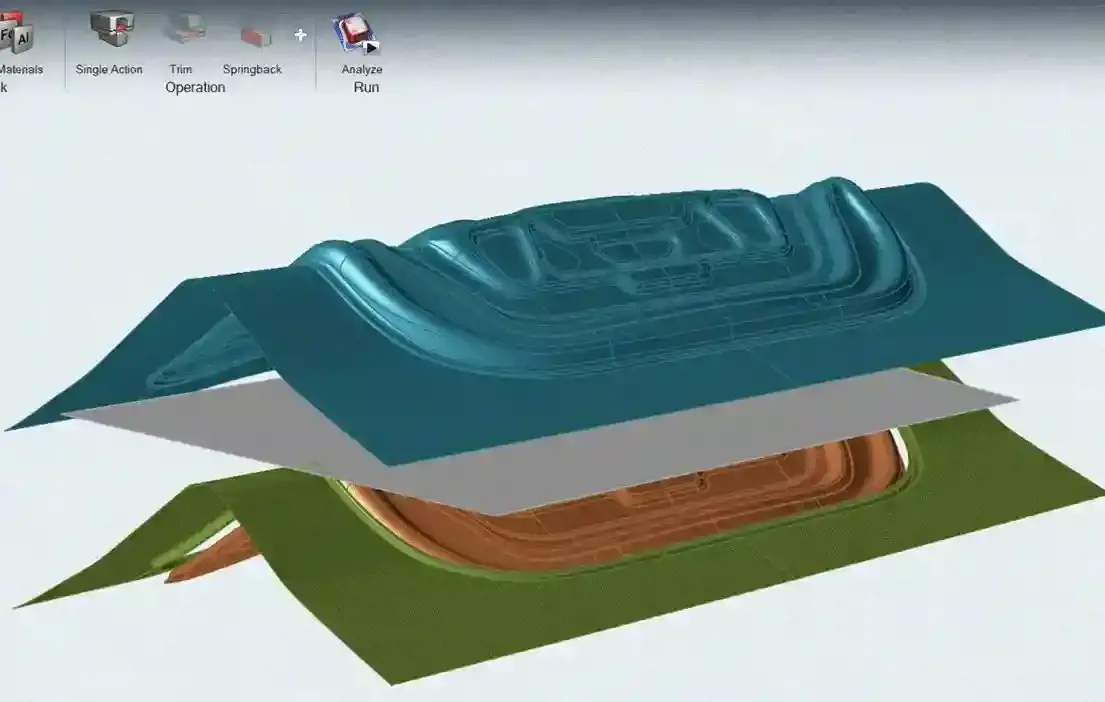
What is Inspire Form?
A simulation tool to predict formability, reduce defects, and optimize sheet metal manufacturing processes.
Inspire Form enables engineers to simulate sheet metal forming processes early in development, helping evaluate manufacturability before tooling is built. It allows teams to analyze forming behavior, detect issues such as wrinkling or tearing, and understand springback effects with high accuracy.
The software supports key operations including forming, trimming, and springback analysis, providing fast feasibility studies and detailed virtual tryouts. This helps reduce physical prototyping, improve material utilization, and accelerate the path to production.
Key Features of Altair Inspire Form
Essential capabilities to evaluate formability, optimize material usage, and validate stamping decisions before tooling.
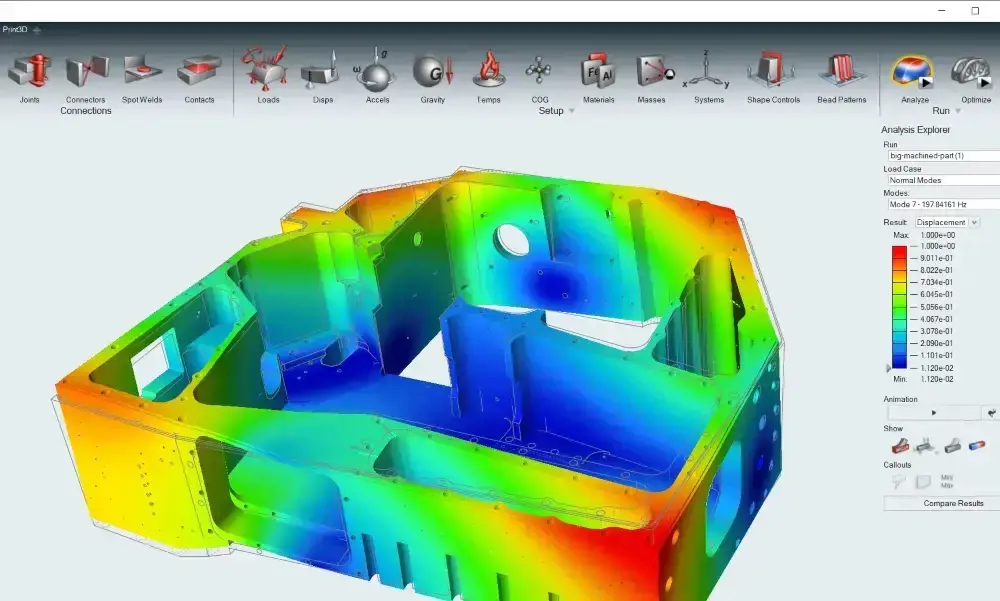
Early Formability Analysis
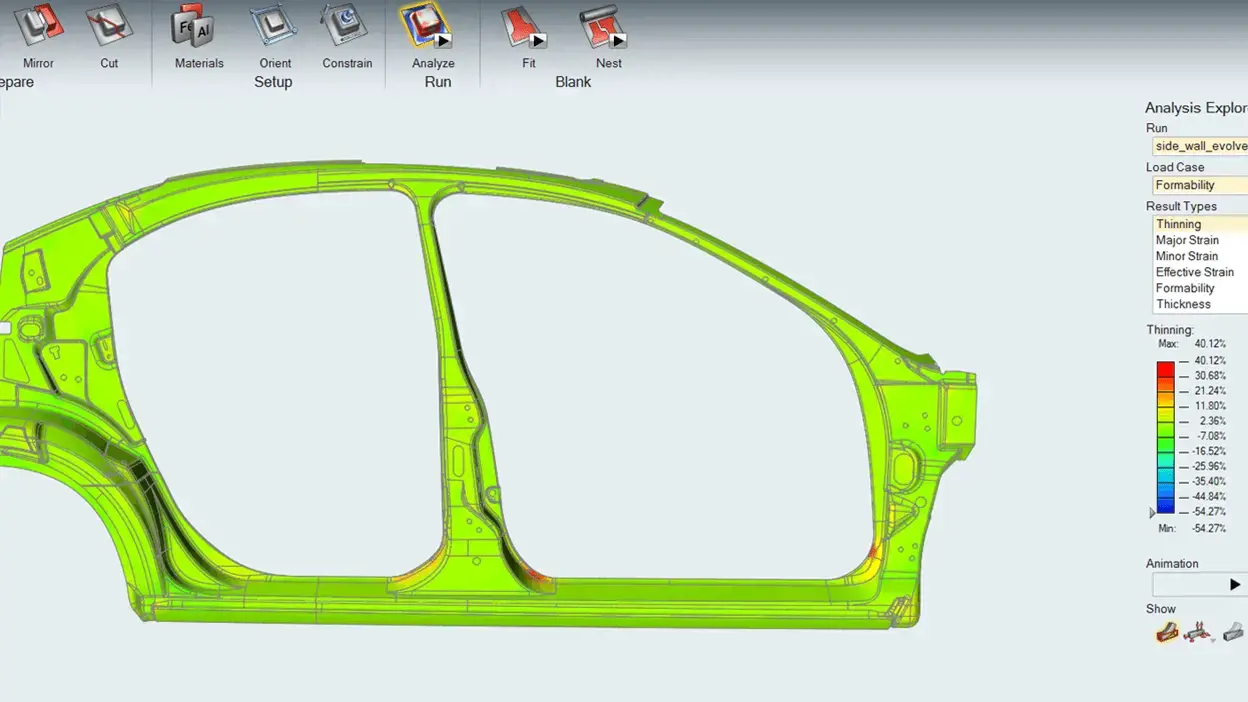
Inspire Form helps teams evaluate sheet metal parts early enough to catch forming issues before they become tooling or production problems. Engineers can review likely thinning, splitting, and wrinkling behavior during the forming process, making it easier to improve part geometry and reduce avoidable iteration later in the workflow.
Blank Development and Material Utilization
The software supports blank shape development and automated blank nesting so teams can move beyond feasibility alone and make smarter material-use decisions. By improving blank layout efficiency for transfer or progressive die planning, Inspire Form helps manufacturers control scrap and better understand material cost implications earlier.

Multi-Stage Virtual Tryout and Springback Control
For more advanced process validation, Inspire Form includes virtual tryout capabilities for multi-stage forming workflows. Teams can analyze forming operations, trimming behavior, and springback, then use those results to refine die strategy and improve final part accuracy before physical tryout cycles consume more time and budget.
Inspire Form Capabilities
Advanced tools for geometry preparation, feasibility analysis, virtual tryout, and springback validation across forming workflows.
Geometry Creation and Simplification
Inspire Form includes geometry preparation tools used to get parts ready for forming analysis. These tools support tasks such as extracting midsurfaces from thin solids, creating surfaces from skins, removing flanges, holes, and cutouts, and defining the current part state as the design part.
Feasibility Analysis for Thinning, Splitting, and Wrinkling
A core use of Inspire Form is fast feasibility analysis to identify common forming risks. Teams can assess whether a part is likely to experience thinning, splits, or wrinkles before committing more heavily to tool design or production planning.
Blank Shape Prediction and Nesting Optimization
Inspire Form supports blank prediction and blank nesting workflows so engineers can move from a formed shape toward a practical starting blank and a more efficient material layout. This is valuable for both manufacturability planning and cost awareness.
Model Setup for Stamping Direction and Process Conditions
The software supports setup decisions such as stamping direction, constraints, and forming assumptions needed to build a useful forming study. That helps users create more realistic simulations without making setup unnecessarily difficult for design-stage evaluation.
Die Design and Virtual Tryout Validation
Inspire Form supports die-face and die-geometry workflows used in stamping development, and tryout analyses can be used to validate die designs in more detail.
Springback Analysis and Die Compensation
Inspire Form supports springback analysis in tryout workflows, and after springback results are available, users can apply die compensation to counter the known springback effect.
Why Inspire Form
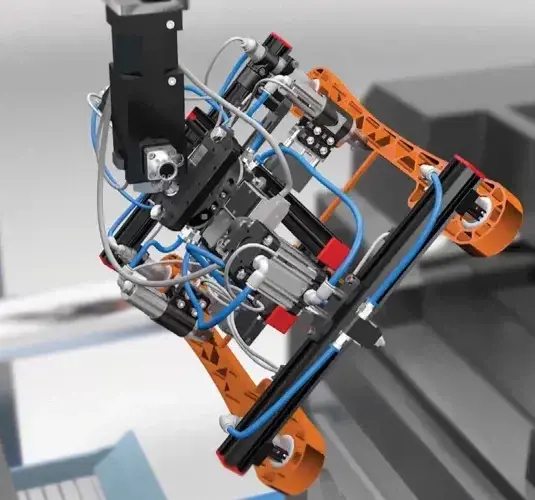
Make Better Forming Decisions, Earlier
Bring manufacturability analysis closer to design and reduce risk before committing to tooling.
Inspire Form helps engineering teams evaluate sheet metal formability early in development, reducing trial-and-error in stamping workflows. By combining feasibility analysis, blank development, material utilization, and virtual tryout in a single environment, teams can identify issues sooner and improve decision-making with confidence. The result is fewer physical iterations, lower material waste, and a faster path from design to production with more predictable outcomes.
Why Work With TrueInsight for Inspire Form?

Practical Support for Evaluation, Licensing, and Adoption
Get expert guidance for evaluation, licensing, onboarding, and implementation so your team can adopt Inspire Form with confidence.
Selecting forming simulation software is not only about features. It’s also about having the right guidance throughout evaluation, licensing, onboarding, and daily use to ensure successful adoption and real impact.
Learn More About Inspire Form
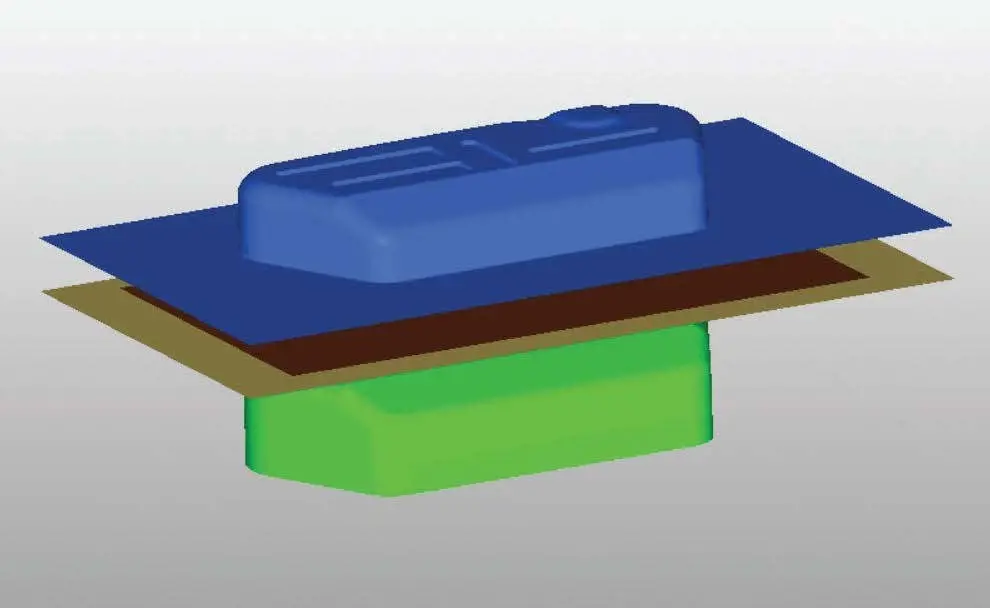
Customer Story - Pragati Engineering
Pragati Engineering used Inspire Form to address sheet metal formability and inconsistent thinning issues while reducing physical tryout time by 50%
Learn More →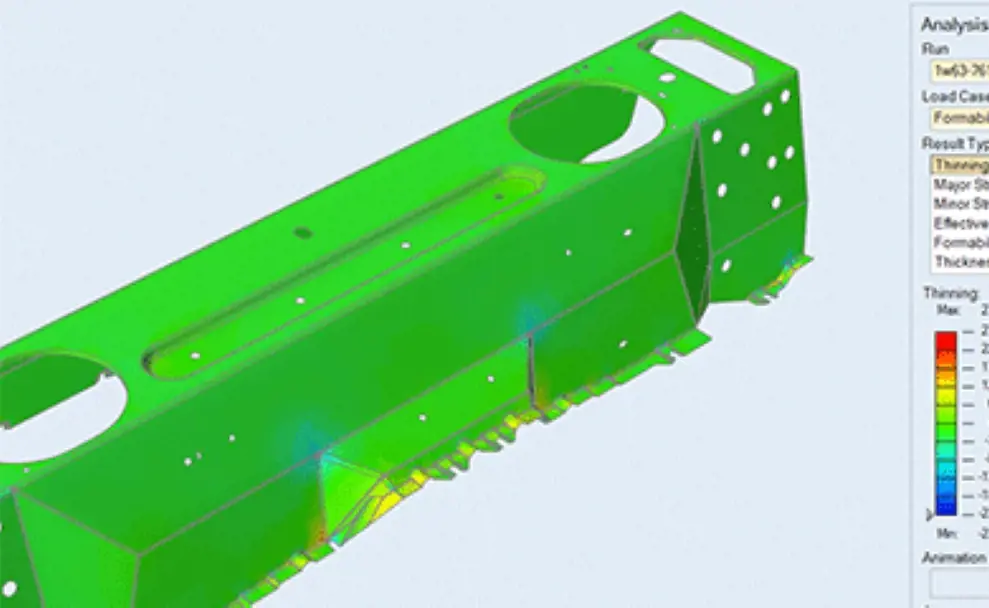
Altair Inspire Form Product Brochure
Useful for buyers who want a compact overview of the product’s role in formability, process parameters, material utilization, and cost-related decision making.
Learn More →Frequently Asked Questions
Altair Inspire Form is used to evaluate sheet metal formability, predict common forming defects, develop blank shapes, improve nesting efficiency, and validate stamping workflows before tooling and physical tryouts become more expensive.
It is built for product designers and process engineers who need a practical way to assess manufacturability earlier and validate sheet metal forming decisions with better visibility.
Yes. Feasibility analysis is specifically used to identify thinning, splitting, and wrinkling problems during the forming process.
Yes. Inspire Form supports automated blank nesting to help maximize material utilization and improve layout efficiency.
Yes. Springback can be included in the workflow, and the software also supports die compensation to counter known springback effects.
No. It supports fast early feasibility studies, but it also extends into die design validation and multi-stage tryout workflows for more detailed process analysis.
Ready to Take the Next Step with Inspire Form?
TrueInsight can help you evaluate the right path forward.